



Technology / Three Common Habits That Make Your Phone Overheat
·8 months ago·4 min read
Key Points
- Heavy tasks like streaming and gaming push the CPU/GPU harder, causing phones to heat up.
- Using a device while charging creates “dual load,” often resulting in rapid temperature spikes.
- High screen brightness and multiple background apps also drive power consumption and heat.
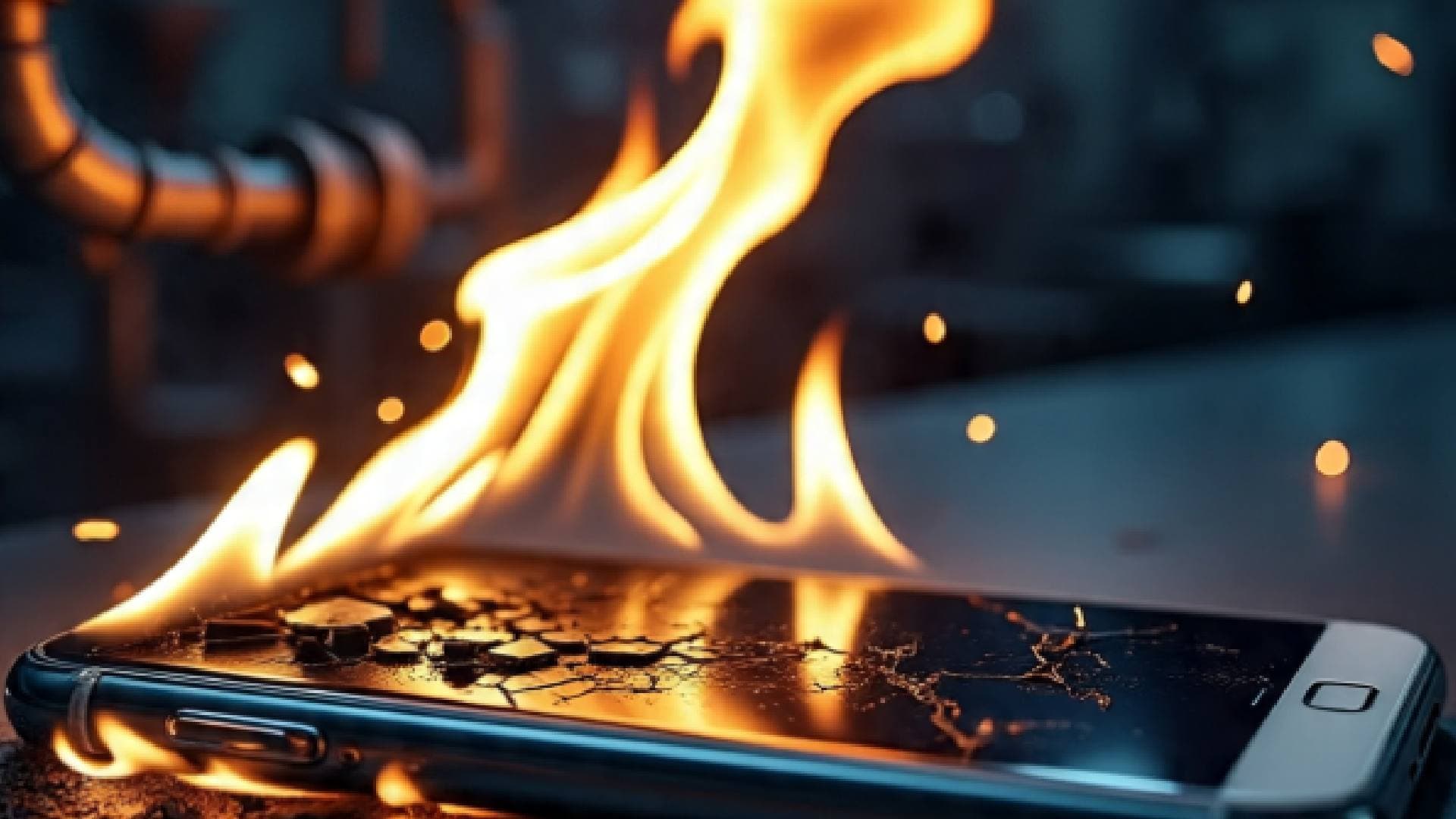
Bhubaneswar, Dec 2: If your phone stays cool most of the time -- but suddenly turns into a mini-heater when you do certain things -- you’re not imagining it. Experts and multiple technical guides point to a few common user behaviours that reliably spike a phone’s temperature. Below is an evidence-based look at why this happens, focusing on three everyday habits many of us indulge in.
1. Streaming, Gaming or Other Heavy Tasks
When you watch videos, play graphics-rich games, or run other demanding applications, your phone’s processor (CPU) and graphics unit (GPU) work much harder than during simple tasks like texting or calling. This increased workload burns more power, and power use generates heat.
Playing high-quality videos for long periods — say binge-watching shows on HD — keeps the screen lit, GPU active, and often the network radio busy. That sustained workload pushes up internal temperature.
Gaming, especially graphically intensive or long sessions, is a classic cause of overheating. The phone is doing a lot: rendering graphics, maintaining network connections, and keeping screen and sensors active.
So if your phone only heats up during gaming or streaming, it’s because you’re asking a lot from its hardware.
2. Using Phone While Charging
Another common trigger: using the device while it’s being charged. When charging and active use happen together, the battery — already under load from charging — must also supply power to the CPU, GPU, screen and other hardware. That dual demand often causes rapid heating.
What Makes it Worse:
Fast charging or low-quality chargers/cables that mishandle voltage or don’t regulate heat well can exacerbate heating.
Many people also use their phones with cases — which often snugly trap heat — and that further reduces the ability of the device to cool down while charging.
Thus, if you notice heat only when charging and using simultaneously, this “double-duty” is a likely culprit.
3. High Screen Brightness and Simultaneous Heavy Background Activity
Even if you’re not gaming or streaming, keeping the screen brightness at maximum for long periods or using multiple apps at once (or allowing background apps to run) can push up temperature.
A bright screen demands more power, and the screen is often one of the biggest power-hungry components.
Background apps, syncing data, location services, Wi-Fi, mobile data, etc., all draw power even when you aren’t actively using them. If several of these run together, the CPU and other components remain somewhat busy, generating heat.
For many users, it’s only when they crank up brightness and run multiple services that the phone becomes noticeably hot.
What this Explains and What it Doesn’t
These three behaviours — heavy use, charging while using, and bright-screen + background load — explain why your phone might heat up only under specific conditions, even though it remains cool during light, casual tasks. The underlying cause is always the same: excessive power consumption.
That said, overheating can sometimes signal deeper issues: an ageing or defective battery; poorly optimised/buggy apps; or even background malware pushing the CPU constantly.
If you find your phone heating up under minimal load, or even when idle, it may be time to check battery health, installed apps, or get a professional diagnosis.
Also Read: Japanese Woman’s 'AI Marriage' Sparks Talk on Fictosexuality, AI-lationships
If your phone only heats when you do certain things, it’s not magic: it’s physics. High-performance tasks, charging while active, and heavy screen/audio/data usage all drain more power — and more power means more heat. By understanding these triggers, you can better manage your usage, avoid unnecessary stress on your device — and maybe even extend its lifespan.
1. Streaming, Gaming or Other Heavy Tasks
When you watch videos, play graphics-rich games, or run other demanding applications, your phone’s processor (CPU) and graphics unit (GPU) work much harder than during simple tasks like texting or calling. This increased workload burns more power, and power use generates heat.
Playing high-quality videos for long periods — say binge-watching shows on HD — keeps the screen lit, GPU active, and often the network radio busy. That sustained workload pushes up internal temperature.
Gaming, especially graphically intensive or long sessions, is a classic cause of overheating. The phone is doing a lot: rendering graphics, maintaining network connections, and keeping screen and sensors active.
So if your phone only heats up during gaming or streaming, it’s because you’re asking a lot from its hardware.
2. Using Phone While Charging
Another common trigger: using the device while it’s being charged. When charging and active use happen together, the battery — already under load from charging — must also supply power to the CPU, GPU, screen and other hardware. That dual demand often causes rapid heating.
What Makes it Worse:
Fast charging or low-quality chargers/cables that mishandle voltage or don’t regulate heat well can exacerbate heating.
Many people also use their phones with cases — which often snugly trap heat — and that further reduces the ability of the device to cool down while charging.
Thus, if you notice heat only when charging and using simultaneously, this “double-duty” is a likely culprit.
3. High Screen Brightness and Simultaneous Heavy Background Activity
Even if you’re not gaming or streaming, keeping the screen brightness at maximum for long periods or using multiple apps at once (or allowing background apps to run) can push up temperature.
A bright screen demands more power, and the screen is often one of the biggest power-hungry components.
Background apps, syncing data, location services, Wi-Fi, mobile data, etc., all draw power even when you aren’t actively using them. If several of these run together, the CPU and other components remain somewhat busy, generating heat.
For many users, it’s only when they crank up brightness and run multiple services that the phone becomes noticeably hot.
What this Explains and What it Doesn’t
These three behaviours — heavy use, charging while using, and bright-screen + background load — explain why your phone might heat up only under specific conditions, even though it remains cool during light, casual tasks. The underlying cause is always the same: excessive power consumption.
That said, overheating can sometimes signal deeper issues: an ageing or defective battery; poorly optimised/buggy apps; or even background malware pushing the CPU constantly.
If you find your phone heating up under minimal load, or even when idle, it may be time to check battery health, installed apps, or get a professional diagnosis.
Also Read: Japanese Woman’s 'AI Marriage' Sparks Talk on Fictosexuality, AI-lationships
If your phone only heats when you do certain things, it’s not magic: it’s physics. High-performance tasks, charging while active, and heavy screen/audio/data usage all drain more power — and more power means more heat. By understanding these triggers, you can better manage your usage, avoid unnecessary stress on your device — and maybe even extend its lifespan.

📱 Get Argus News App
✨📰 60 Word News🎬 Argus Podcast📺 Live TV and Breaking News🔔 Free Notification Alerts
Download Free:
Related Topics
Explore more stories